
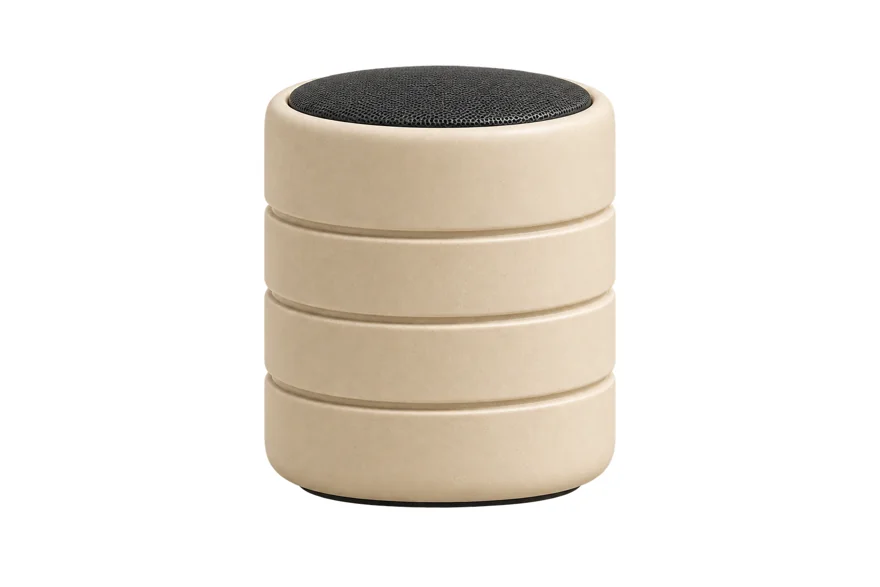
Alternative 1
Isolate the product from the uploaded photo on a plain white background, preserving its geometry, material and label; remove all props and shadows.
Image prompt ·1536 × 1024
Reference image required
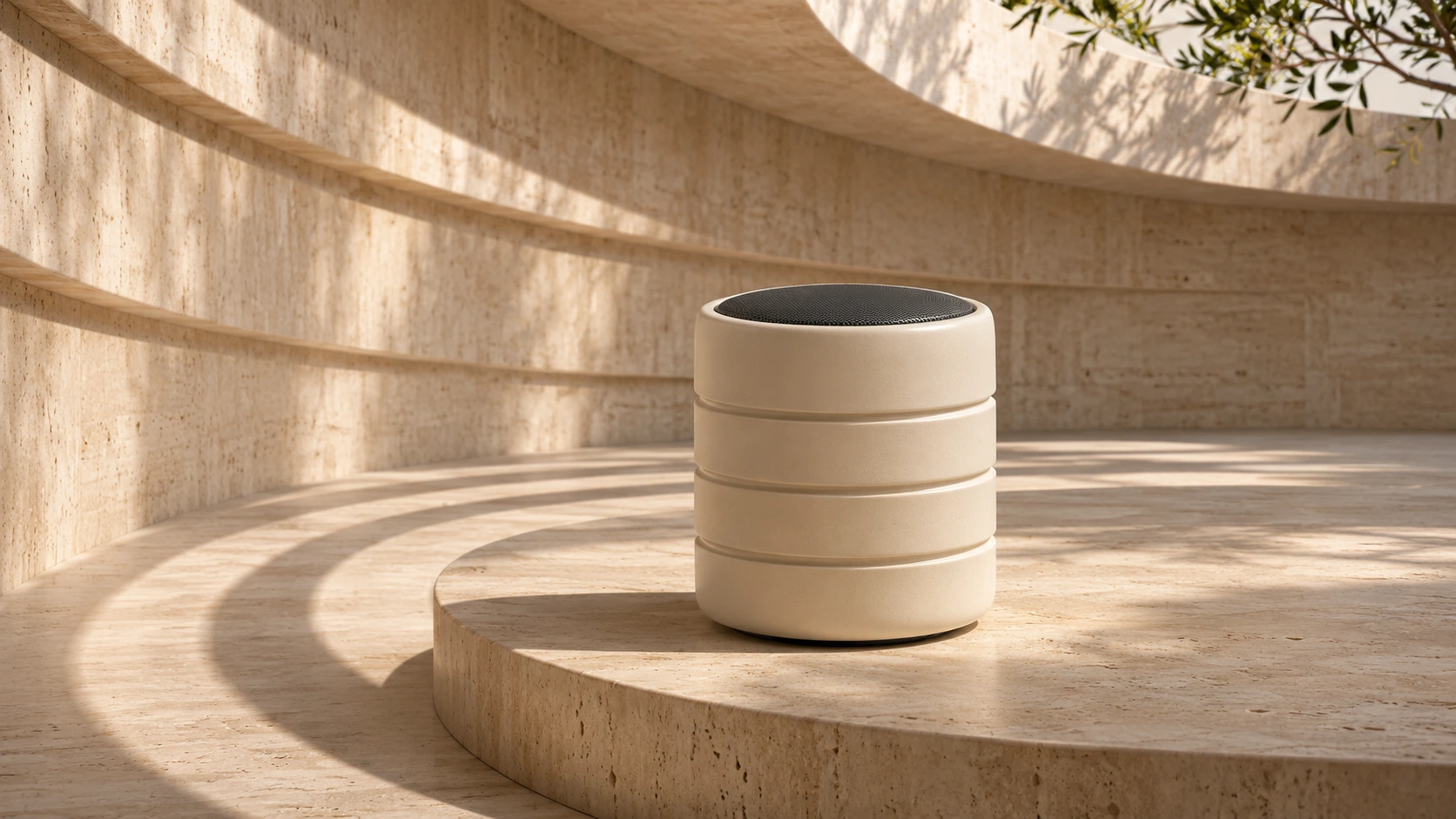
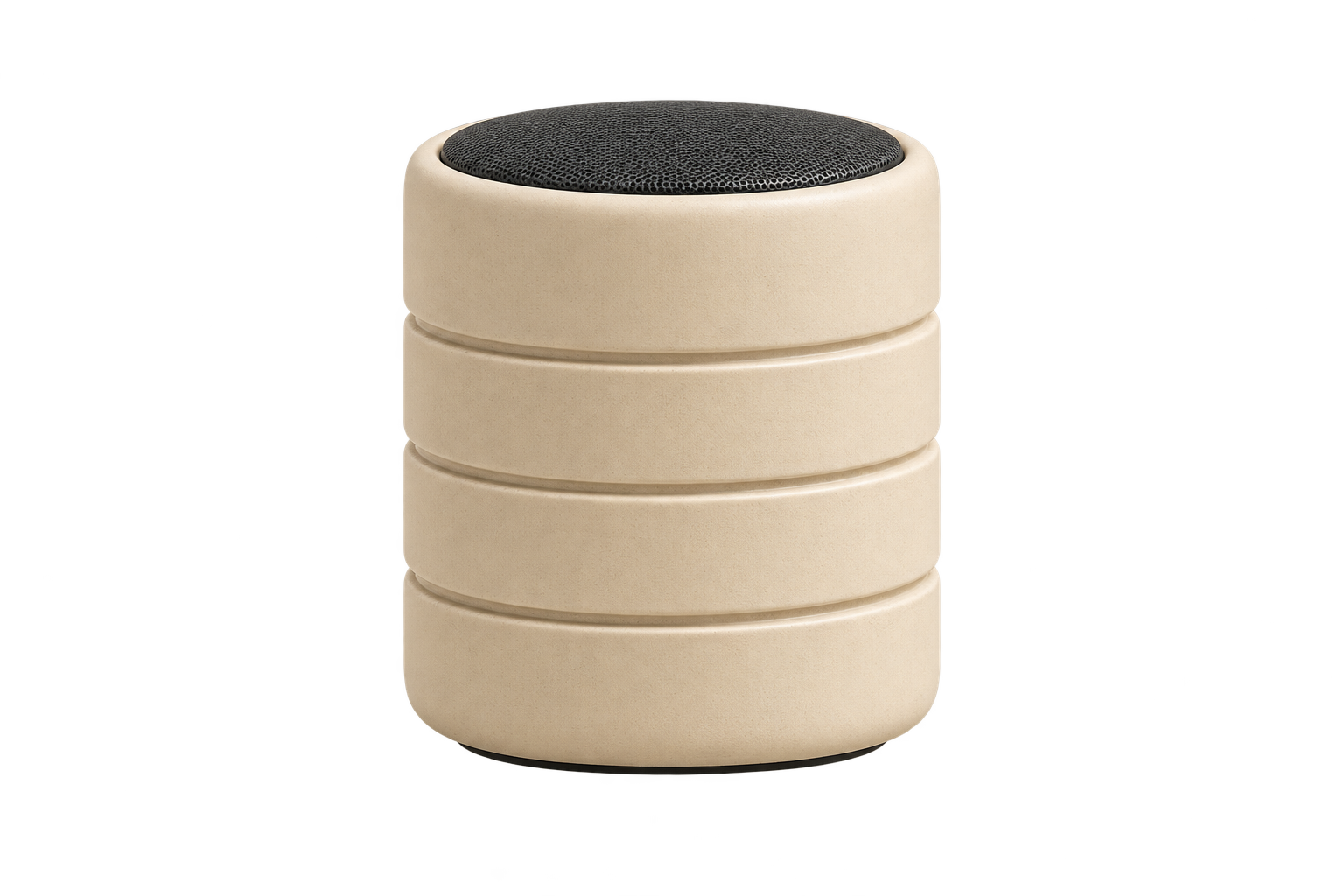
Upload one product photograph and ask to isolate only the product. Our preview uses the previously generated ceramic speaker. The sample PNG contains transparent pixels; transparency is a file property, so inspect alpha rather than trusting a drawn checkerboard or white background.
Extract the single ivory ceramic speaker from the supplied image and isolate it on a fully transparent background. Preserve its actual cylindrical silhouette, black top grille, three circular grooves, ivory color, proportions and surface material. Center the entire product with generous padding. Remove travertine, plants, ground, reflections, cast shadow and background. Crisp clean alpha edges, no white matte, no checkerboard, no new logo or text. Output a transparent PNG product cutout.
Suggested settings.
Suggested variations, not original prompts.
Isolate the product from the uploaded photo on a plain white background, preserving its geometry, material and label; remove all props and shadows.
Create a clean product cutout from the uploaded image with extra margin around its full silhouette. Preserve surface details and avoid retouching the design.
Start with Image, 3:2, 1K, high quality and medium complexity. Upload a clear reference image first. The example reference is available on this page, or use an image you have rights to process. Keep the original for comparison. True alpha output requires a transparent-background request option, which this studio does not currently expose. Compare typography, edges and structure at full size. Change one instruction at a time and save the downloaded original and prompt.